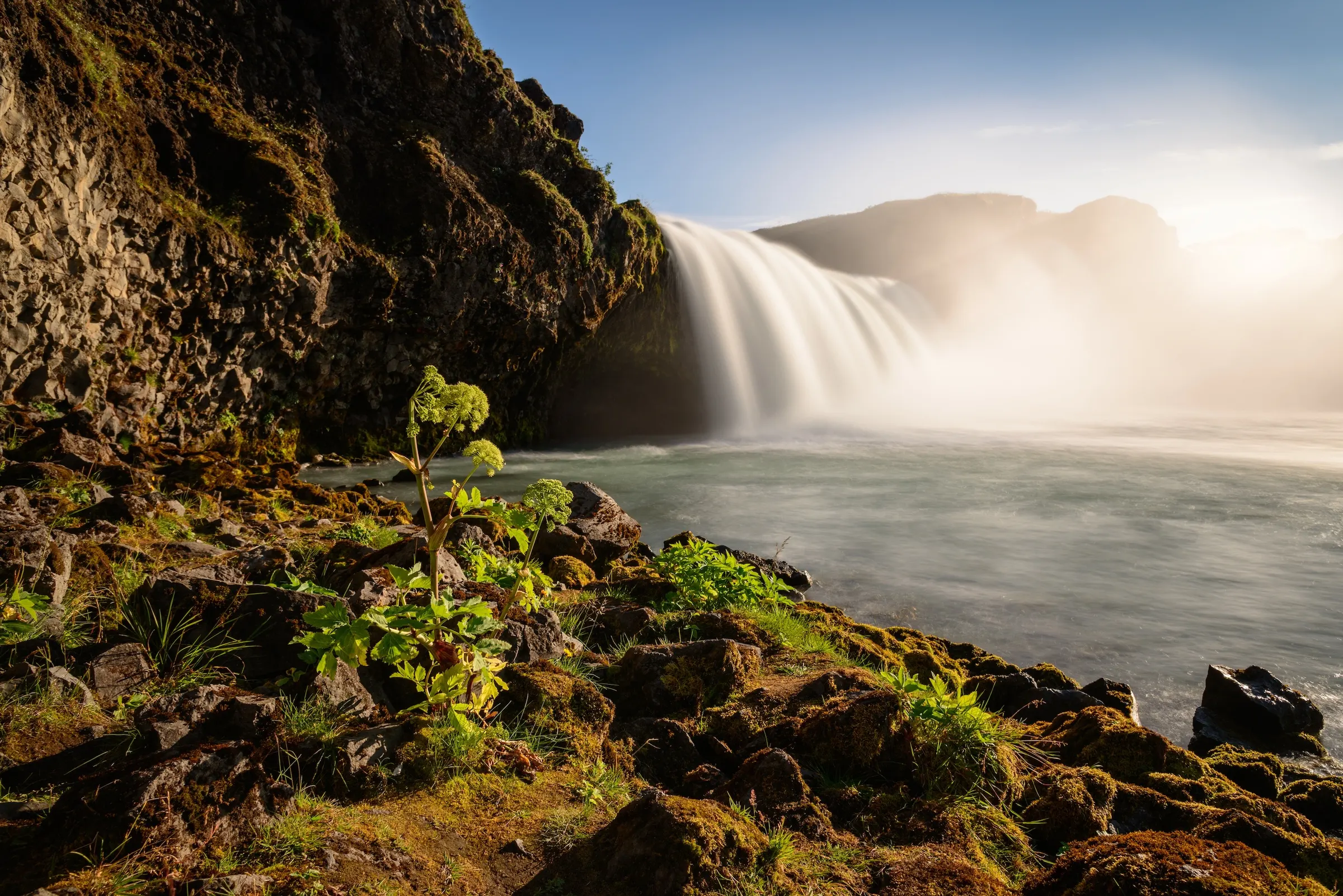
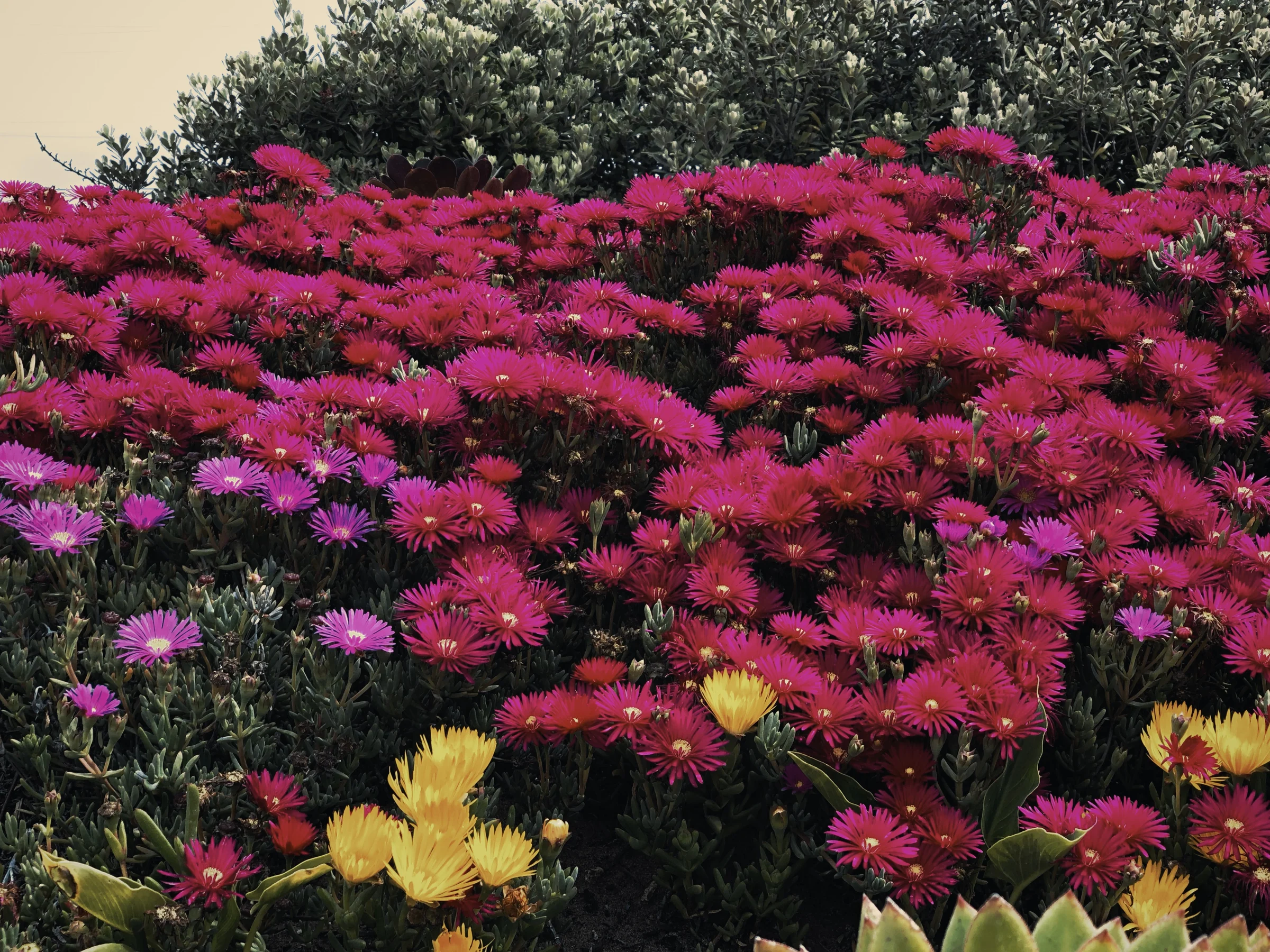
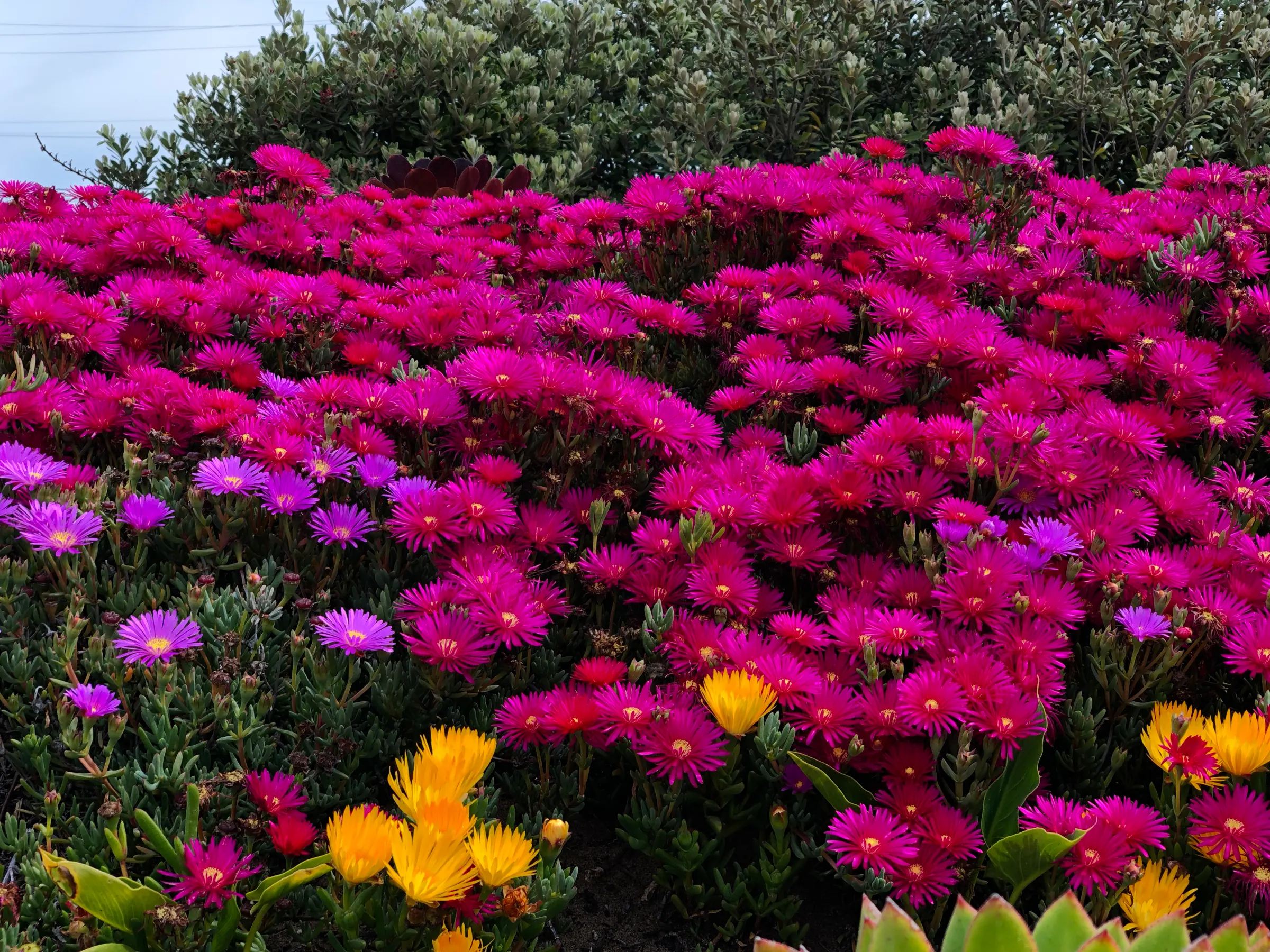
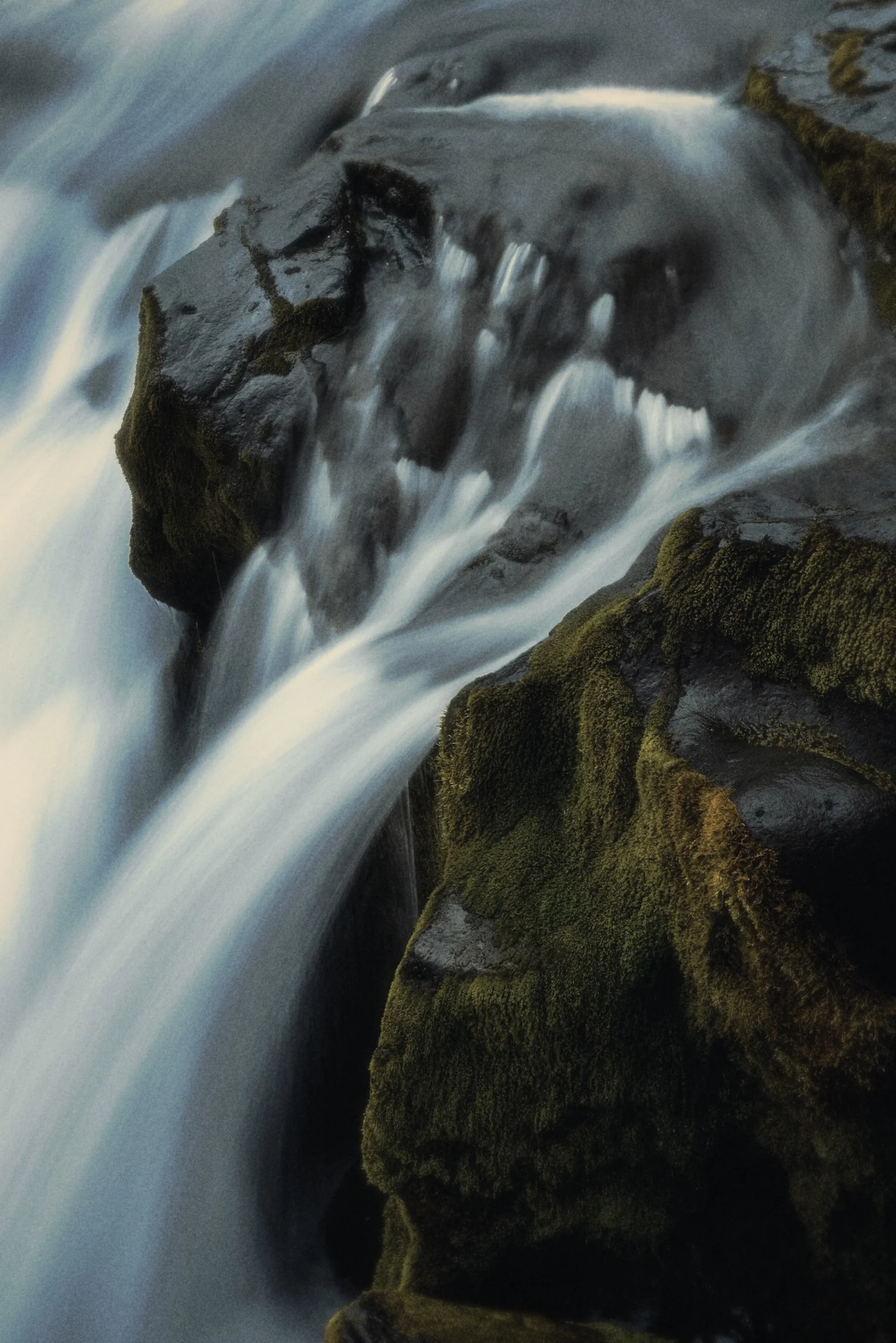
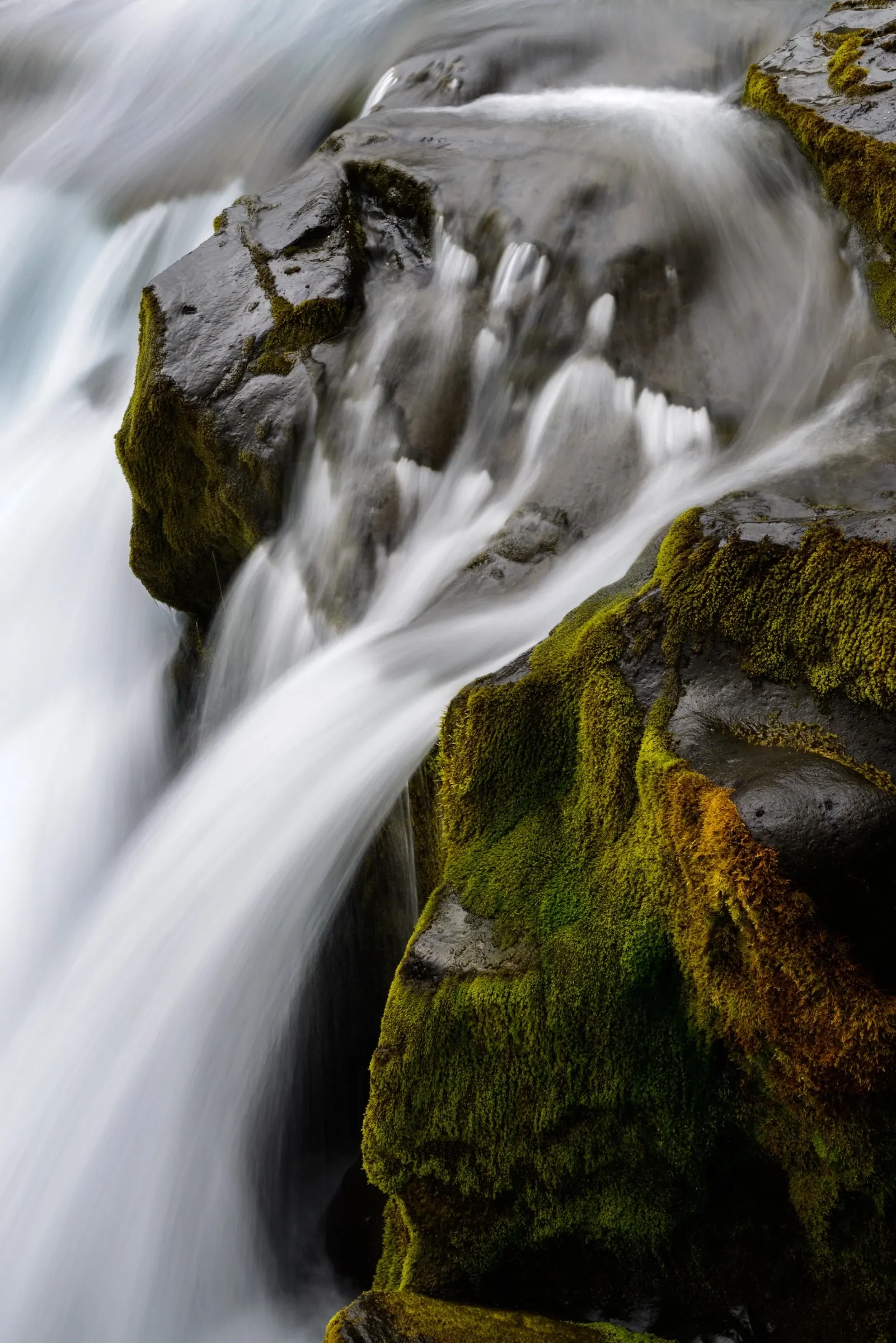
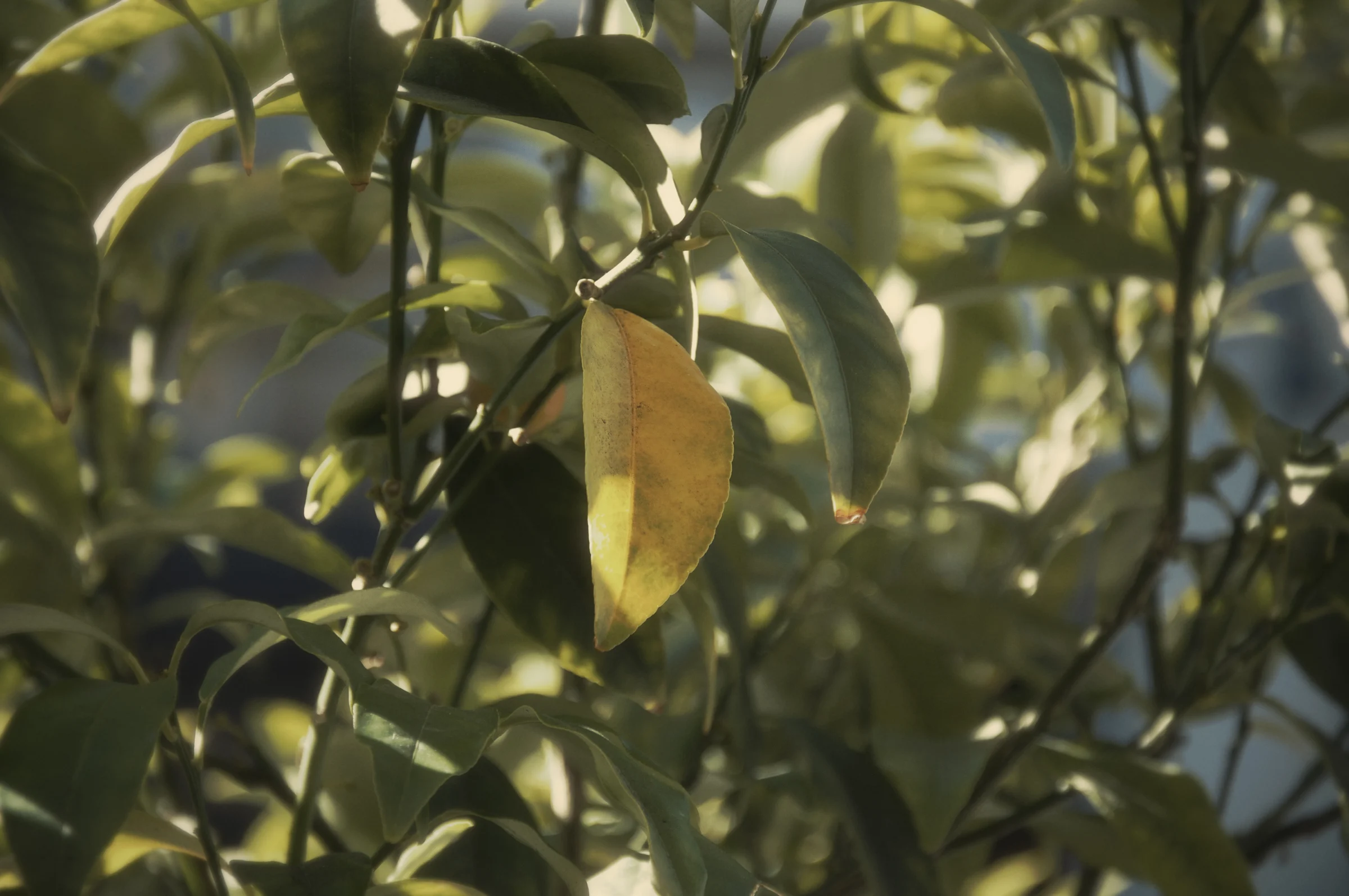
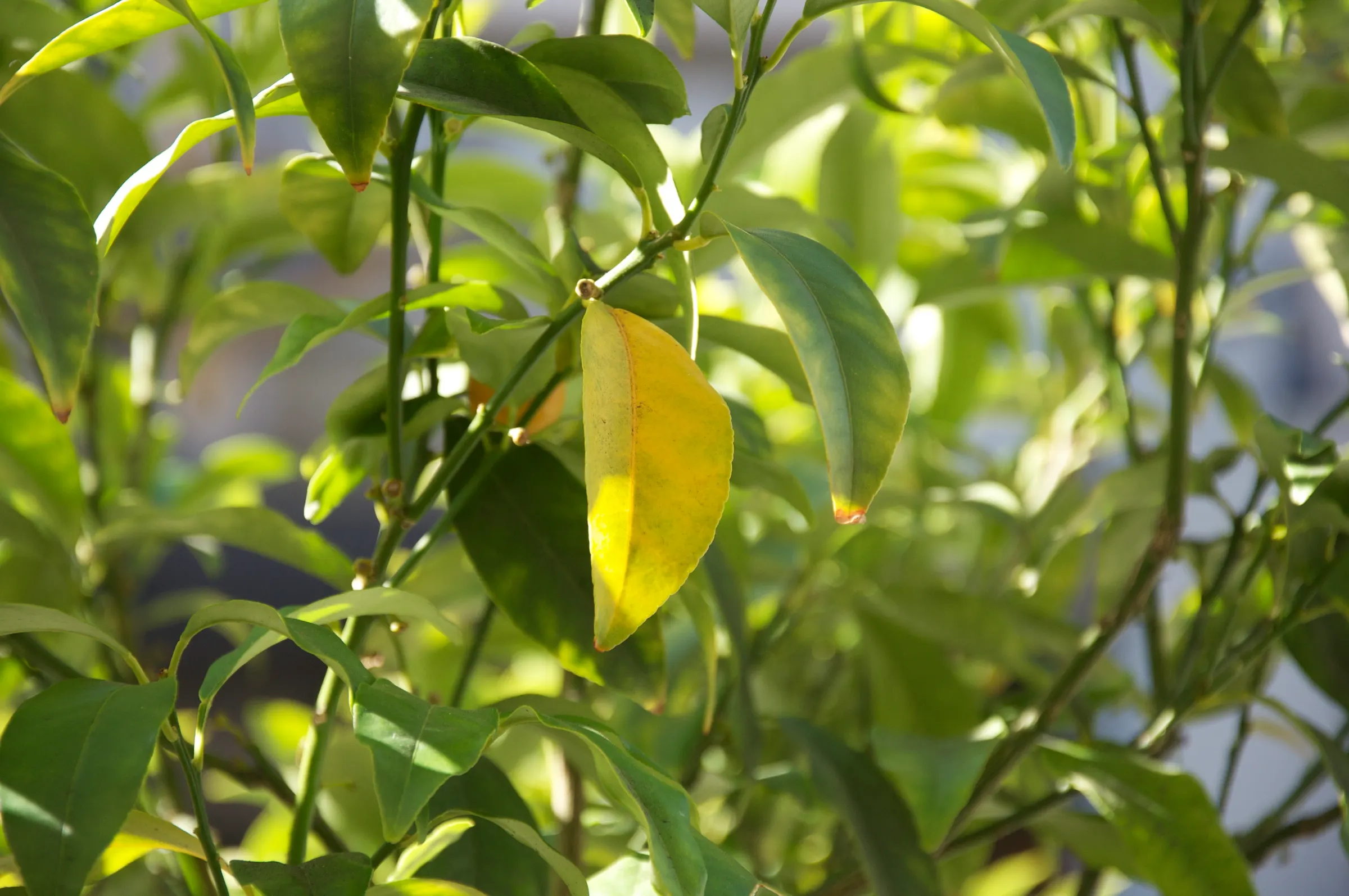
A waterfall pouring into the sea beside dark cliffs, as shot
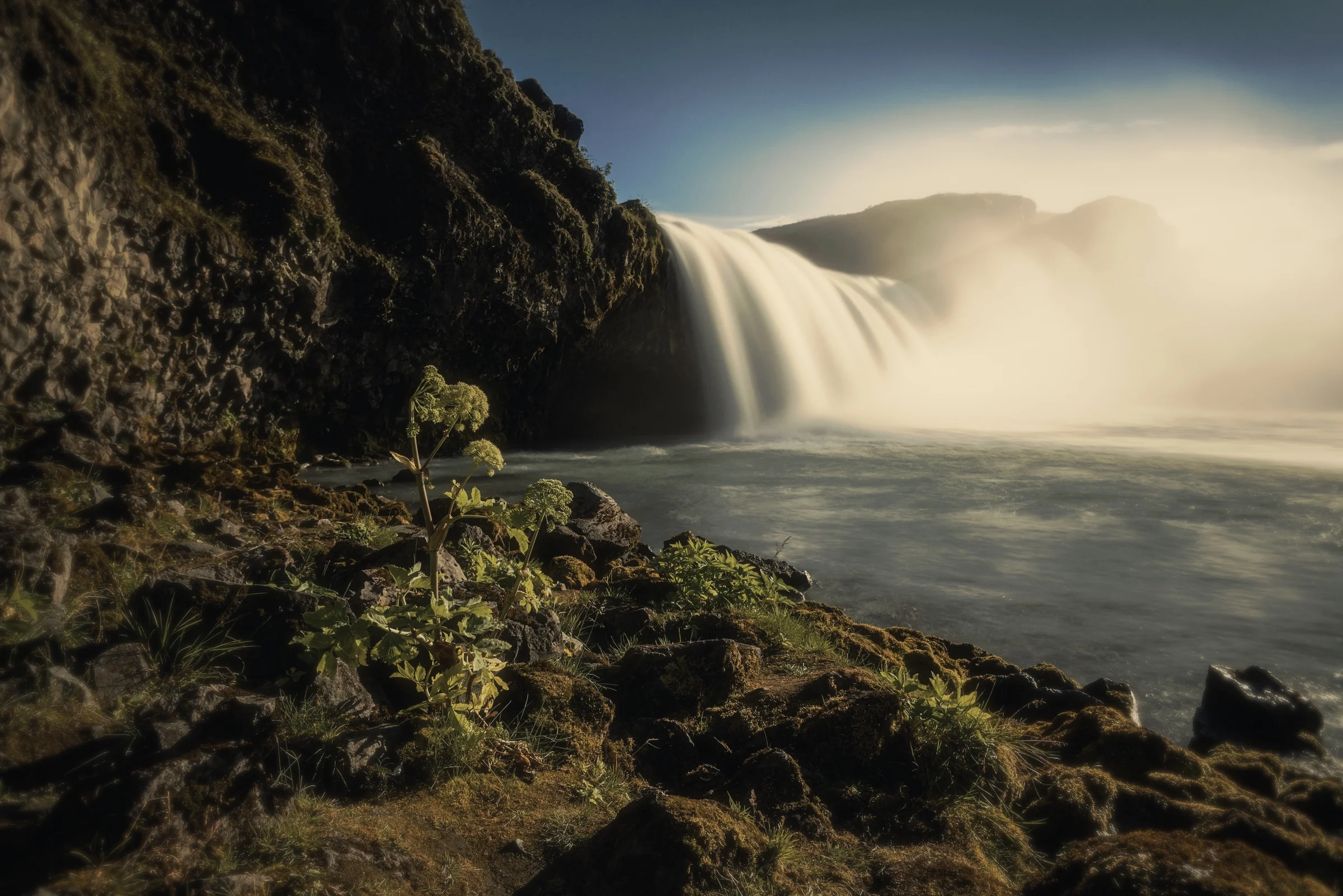
The same waterfall developed by Aes: muted color, soft highlights, deep blacks

Aes for iPhone

A companion for everything you make.

Photos and video that develop like film, sound you can play like an instrument, and boards where it all comes together.

Scroll

The look

Developed, not filtered.

Every photo and clip is developed into one quiet, cinematic grade: low mids, true blacks, warm highlights and fine grain.
Look
100%
Grain
10%
Halation
70%
Softness
35%

Camera

Camera

Photo and video, one look.

Shoot stills in RAW or record up to 4K at 60 fps. The viewfinder stays clean, like a film camera, and the look appears when you open the shot.

  • Photo
  • Video
  • RAW
  • 4K 60 fps

Not a filter

Built from RAW.

Photos come from the untouched sensor data, with the iPhone's own processing switched off, so the look is developed from the start.

Capture
Bayer DNG
Local tone mapping
Off
Sharpening
Off
Detail boost
Off
Highlights
Metered to protect

Library

Every frame, developed.

Photos, RAW files and movies live together by day, each one developed with the look. Movies play developed, with fresh grain on every frame.
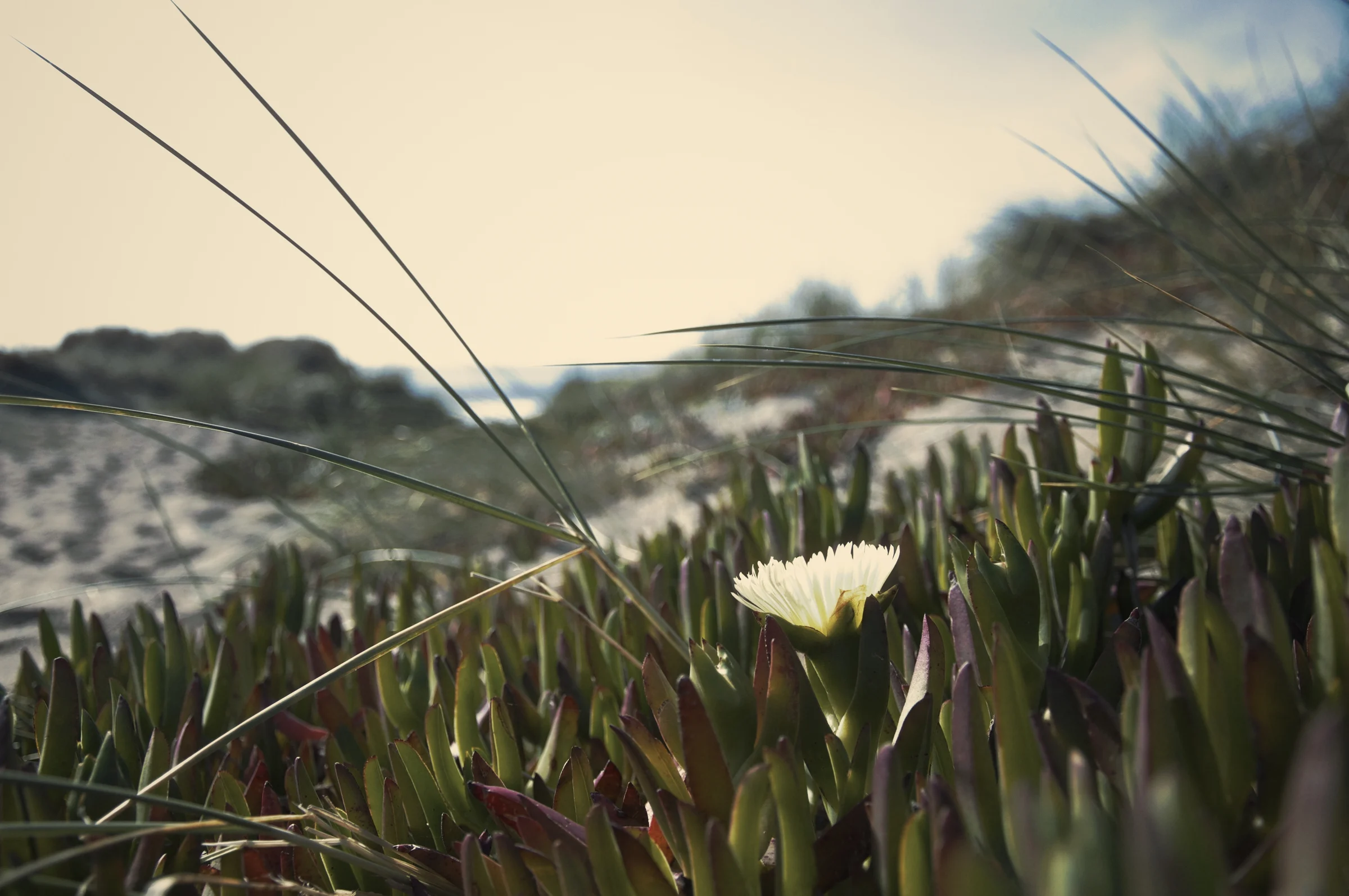
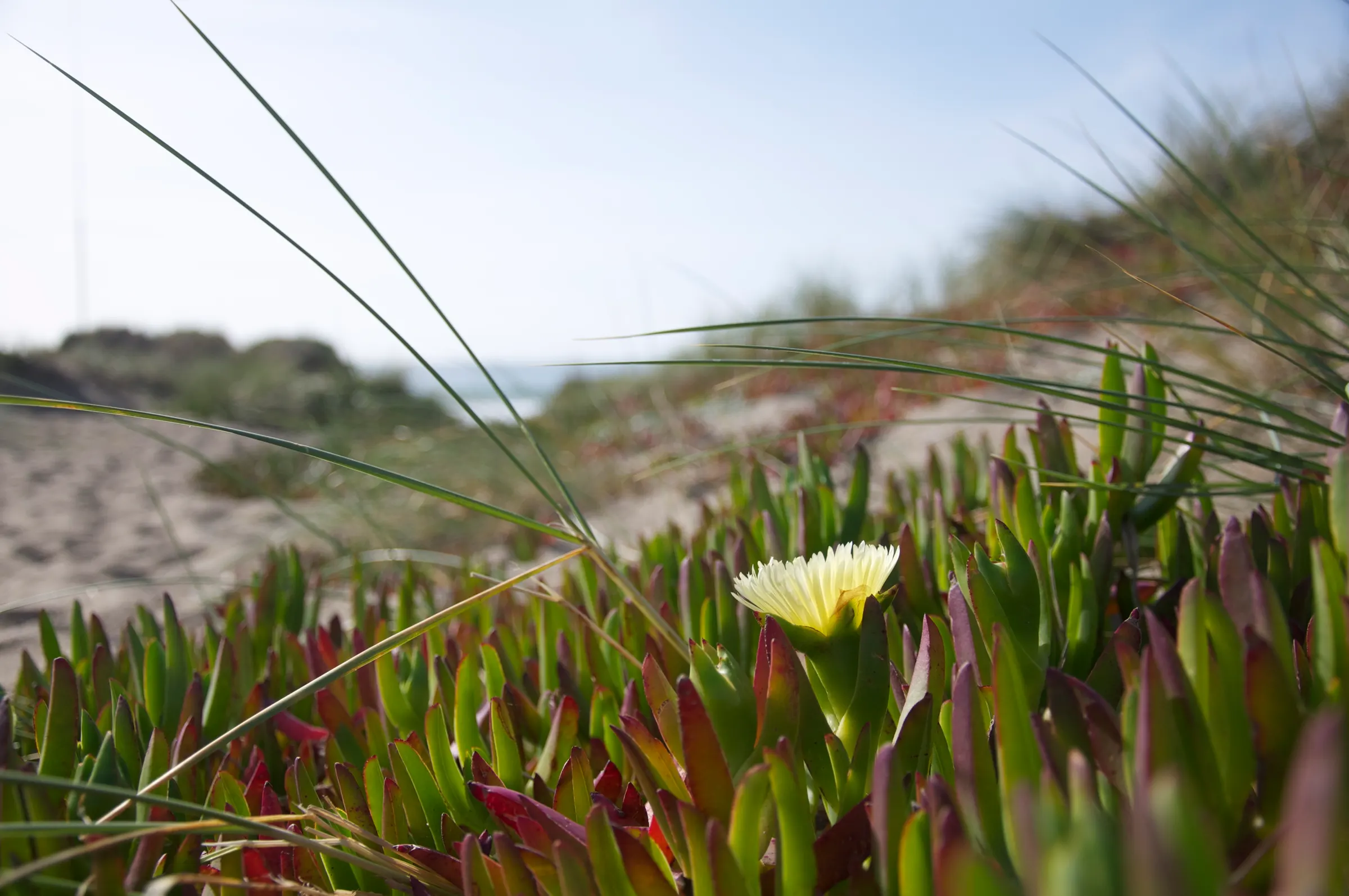
A white flower among succulents on a sand duneAes · Hold to compareOriginal
JPEG · +0.6 EV · 5490K · Halation 30%
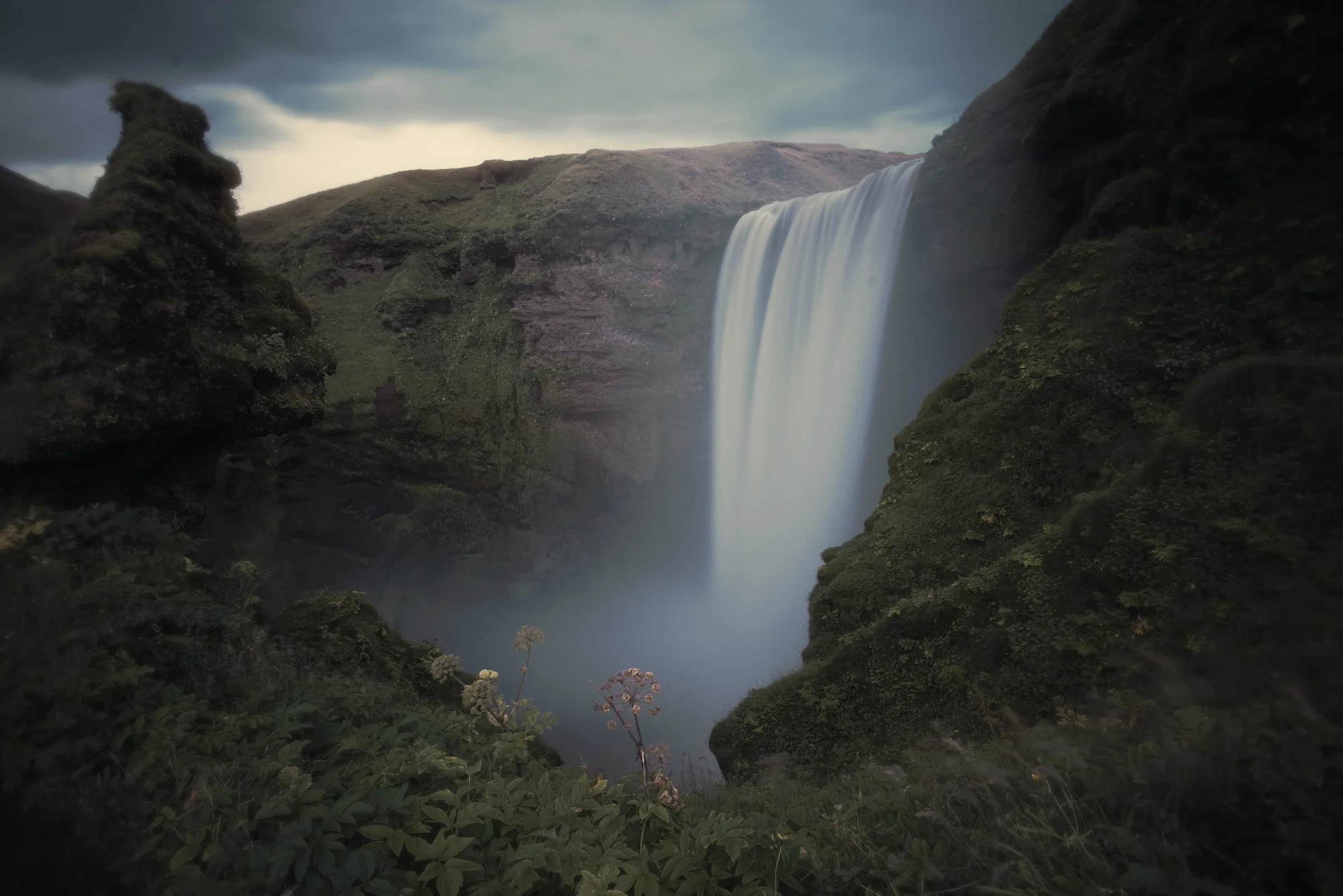
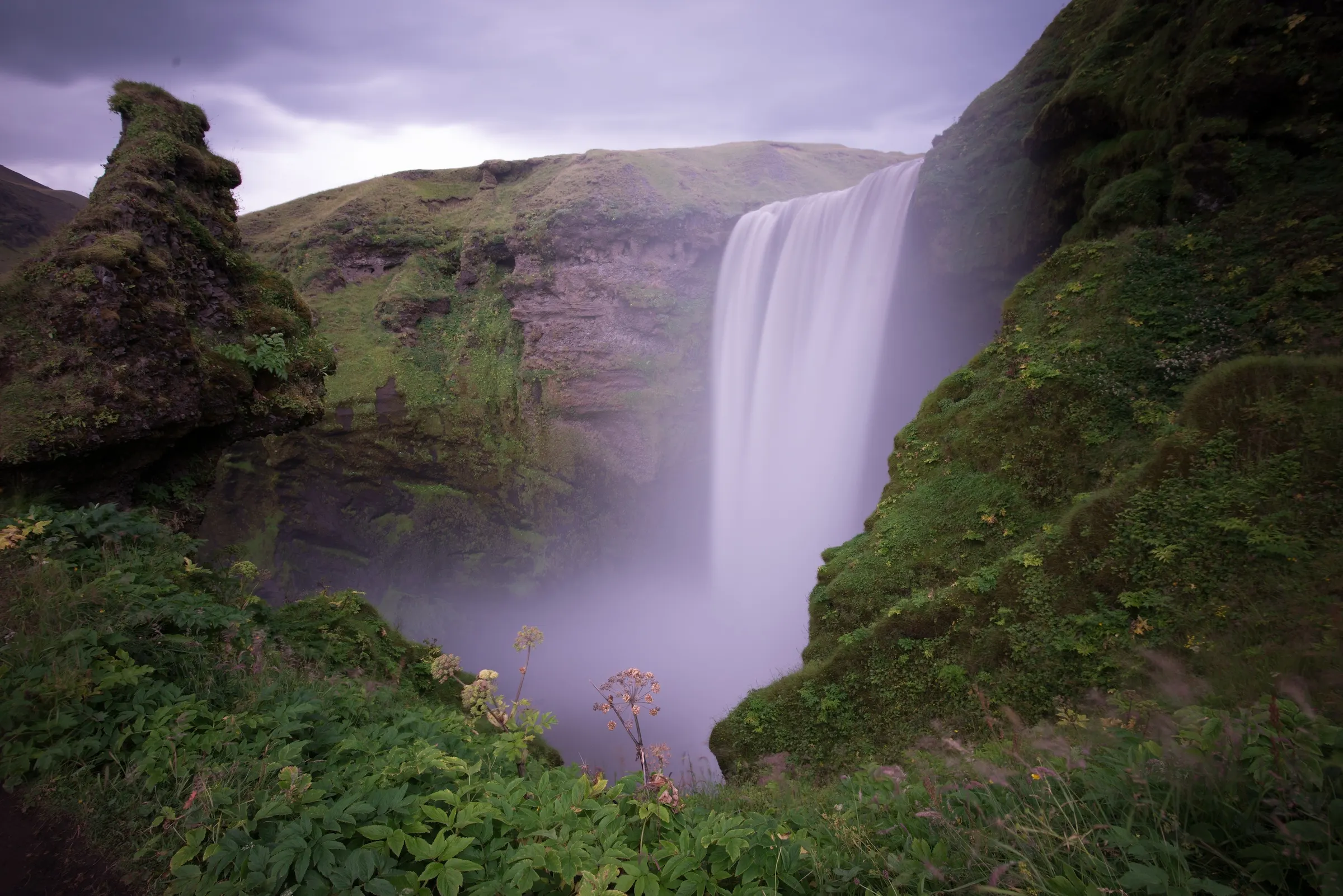
A tall waterfall pouring into a misty green gorgeAes · Hold to compareOriginal
JPEG · Look 100% · Grain 10% · Halation 70%
A bank of magenta and yellow ice plant flowersAes · Hold to compareOriginal
HEIC · +1.1 EV · 5845K · Grain 10%
Long-exposure water rushing over mossy rocksAes · Hold to compareOriginal
JPEG · 5272K · Grain 55% · Softness 35%
Backlit leaves with one turning yellowAes · Hold to compareOriginal
JPEG · Look 100% · Halation 70% · Softness 35%

Develop

Tune it, any time.

Exposure, warmth, tint, grain, halation and softness, on every photo and clip. Nothing is baked in, so the original is always one press away.

  • Exposure
  • Warmth
  • Tint
  • Look
  • Grain
  • Halation
  • Softness

Distort and Blur

Then bend it.

Twenty-five shader effects run live on photos and video. Swirl it, melt it, fold it into a kaleidoscope or a little planet, then stack blurs and light trails on top.

  • Swirl
  • Liquid
  • Kaleido
  • Reeded glass
  • Planet
  • Zoom blur
  • Motion trails

Audio

Record anything.

A third mode records lossless from the microphone or any input, with a live trace and a level ruler. Every take stays untouched; everything you do plays on top.

  • Pitch
  • Speed
  • Grain
  • Tape
  • Tone
  • Space
  • Level

Darkroom: Grain

Play the grain.

Scatter a take into tiny grains across one field. Drag for size and density, add spray, jitter and reverse, or freeze a moment and hold it.

  • Pitch
  • Speed
  • Grain
  • Tape
  • Tone
  • Space
  • Level

Darkroom: Pitch

Tune it on the keys.

Move a take up or down two octaves on a small keyboard, without changing its length. Or slow the reels and let pitch follow, like tape.

  • Pitch
  • Speed
  • Grain
  • Tape
  • Tone
  • Space
  • Level

Darkroom: Tape

Age it on tape.

Wow, saturation, hiss and crush on one pad, for sound that feels recorded somewhere. Seven instruments in all, then export when it sounds right.

  • Pitch
  • Speed
  • Grain
  • Tape
  • Tone
  • Space
  • Level

Boards

Bring it all together.

An open sheet for concepts and moods. Pin photos, movies and takes beside words, notes and marks, and play them where they lie. Everything stays linked to its latest edit.

  • Draw
  • Shape
  • Text
  • Note
  • Print

Always close

Wherever you start.

  • Camera Control

    Opens Aes from the side button, even while iPhone is locked.

  • Lock Screen

    Shoot without unlocking, or start a recording.

  • Control Center

    Aes Camera and Aes Record, ready in one tap.

  • Widgets

    Contact sheet, Photo, Camera, Takes and Record on the Home Screen.

  • Siri & Shortcuts

    “Shoot with Aes.” “Record with Aes.”

  • No account

    Nothing leaves the iPhone unless you export it.

Aes

Photo, video, sound and boards. One companion for all of it.

Download on the App Store

Privacy

Last updated 1 November 2026

Aes keeps your work on your iPhone. There is no account to make, and the app has no ads, no analytics and no tracking.

What stays on your iPhone

The photos, videos, sound takes and boards you make in Aes are stored on your iPhone, inside the app. Aes has no servers to send them to, and it doesn't collect anything about you or how you use it.

The widgets, Lock Screen and Control Center controls, and Shortcuts read the same library on your iPhone, to show your latest work and open the camera or recorder.

What Aes asks for

Camera: to take photos and videos.

Microphone: to record sound with your videos and audio takes.

Photos: add-only access, to save what you choose to your library. Aes can't see the rest of it. To bring photos into Aes, you pick them in Apple's photo picker, and Aes only receives the ones you pick.

Aes doesn't ask for your location.

Sharing

Nothing leaves Aes unless you save it to Photos or share it through the share sheet. Where it goes from there is up to you and the app you share it with.

This website

This site sets no cookies and has no analytics or trackers. Its fonts, pictures and code all come from this site, not from other companies.

The app running in the phone on the page works entirely in your browser. What you change there isn't saved or sent anywhere. If you let it use your microphone, the sound is processed in your browser and never uploaded.

Like any website, the server that hosts it may keep standard access logs, such as IP addresses and the pages requested, to keep it running and secure.

Changes

If any of this changes, this policy will say so, with a new date at the top.